Individual
One person. One Mac. One iPhone.
$0
Forever. No card.













Any agent · Any site
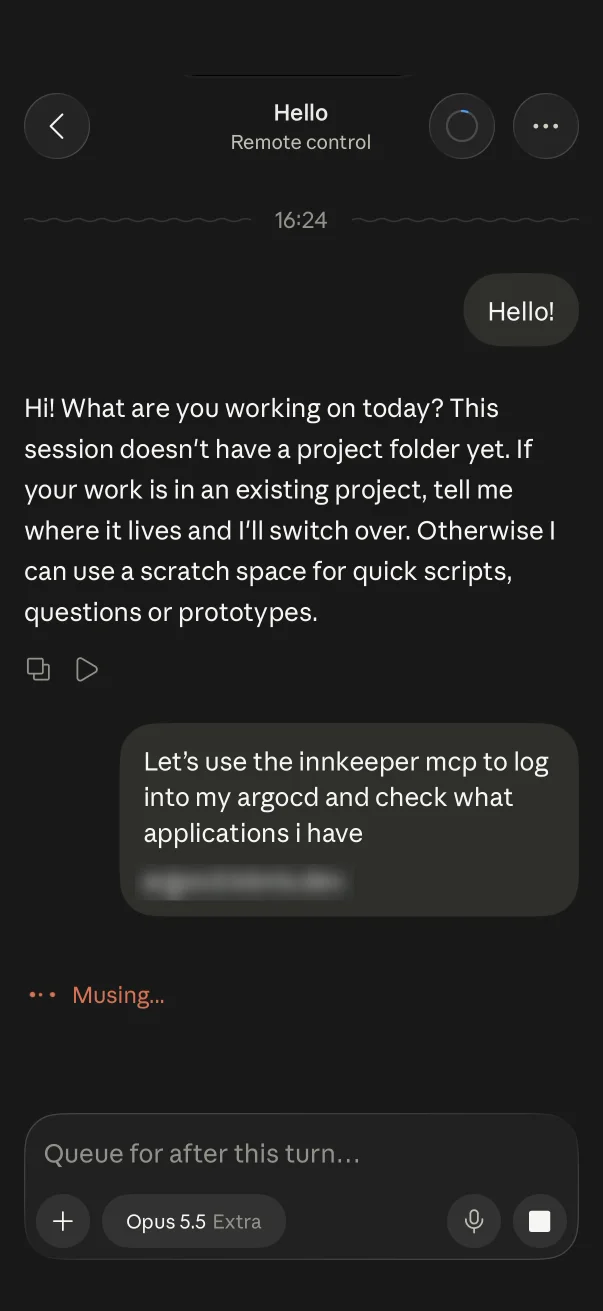
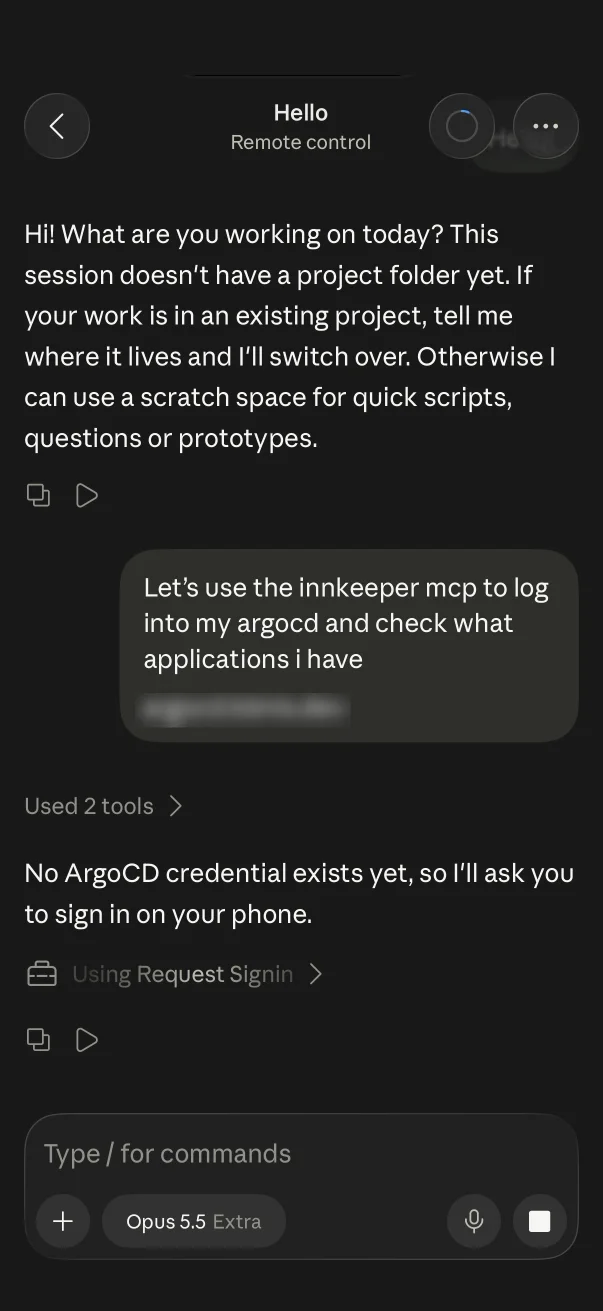
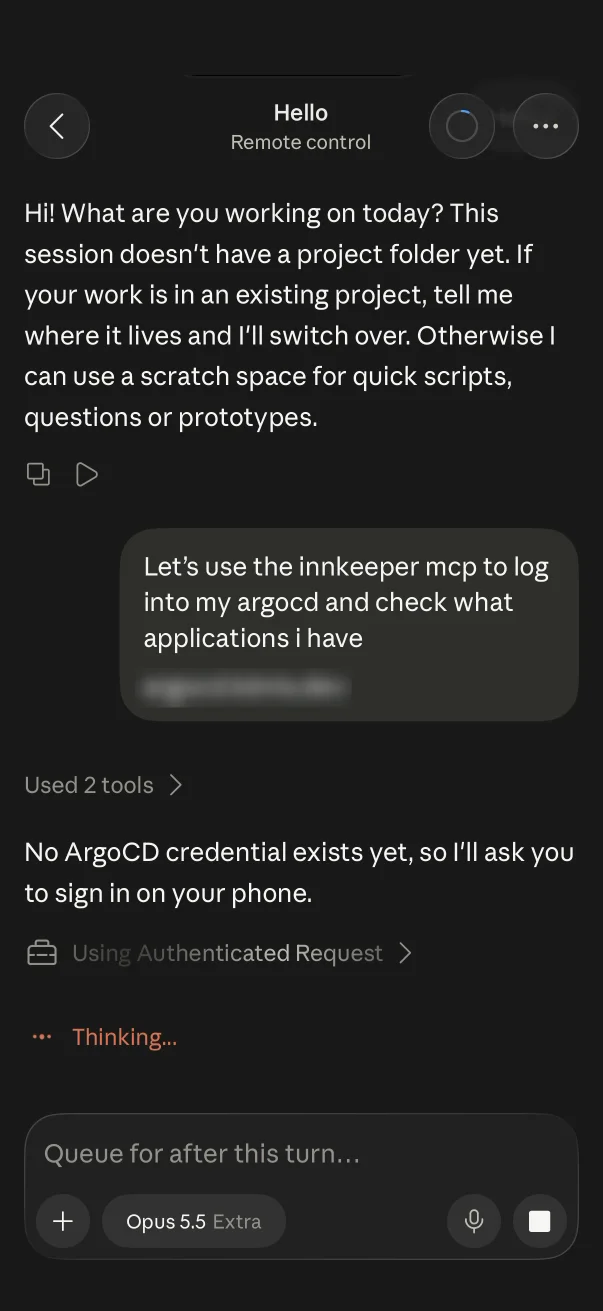
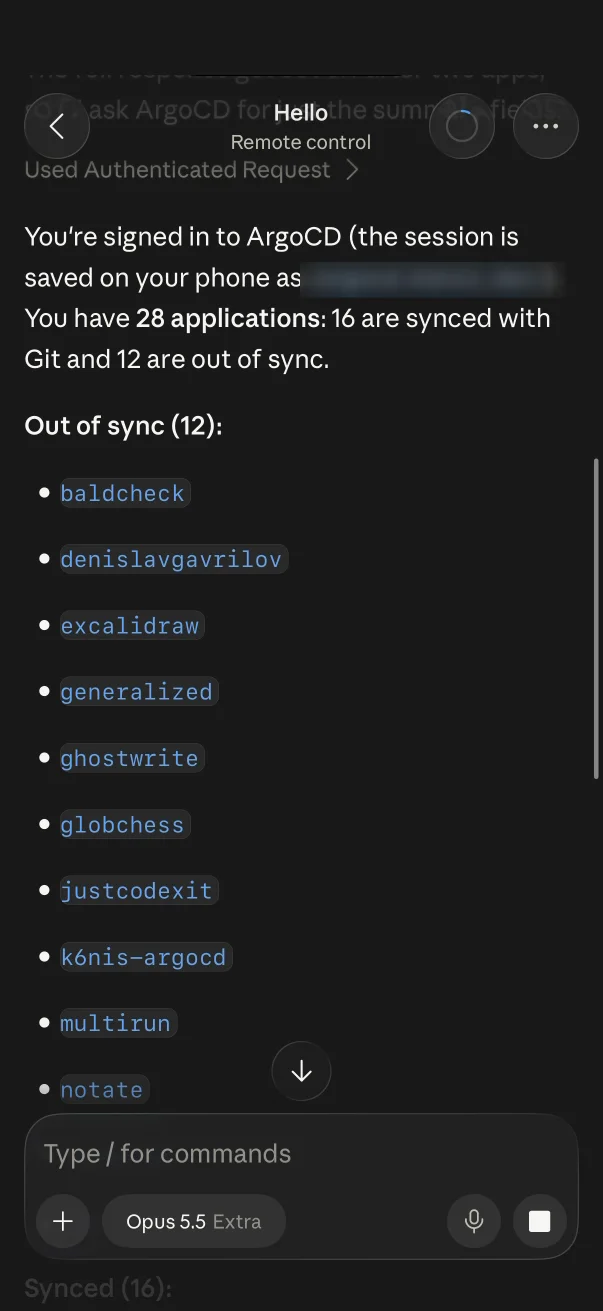
When your agent needs to log in, you sign in on your iPhone. The session stays on your phone.
01Websites
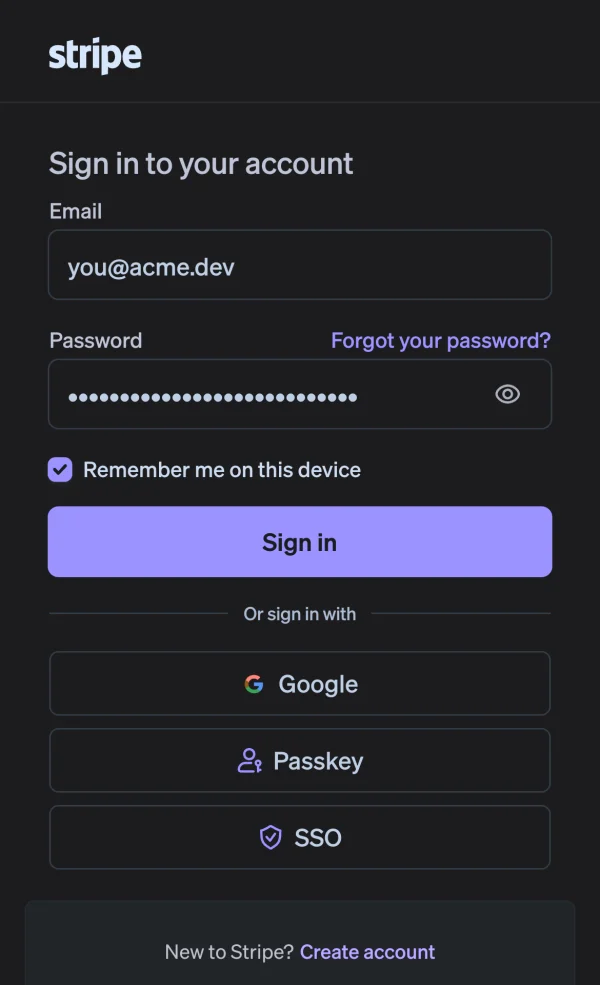
When an agent needs a website, Innkeeper opens it on your iPhone. You sign in the way you normally would, and the session is saved on the phone.
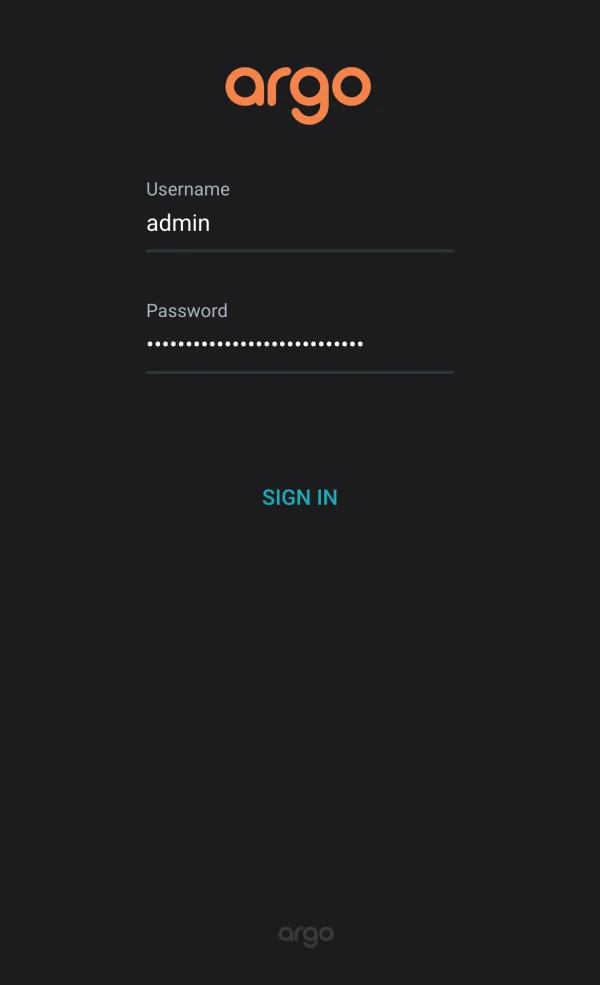
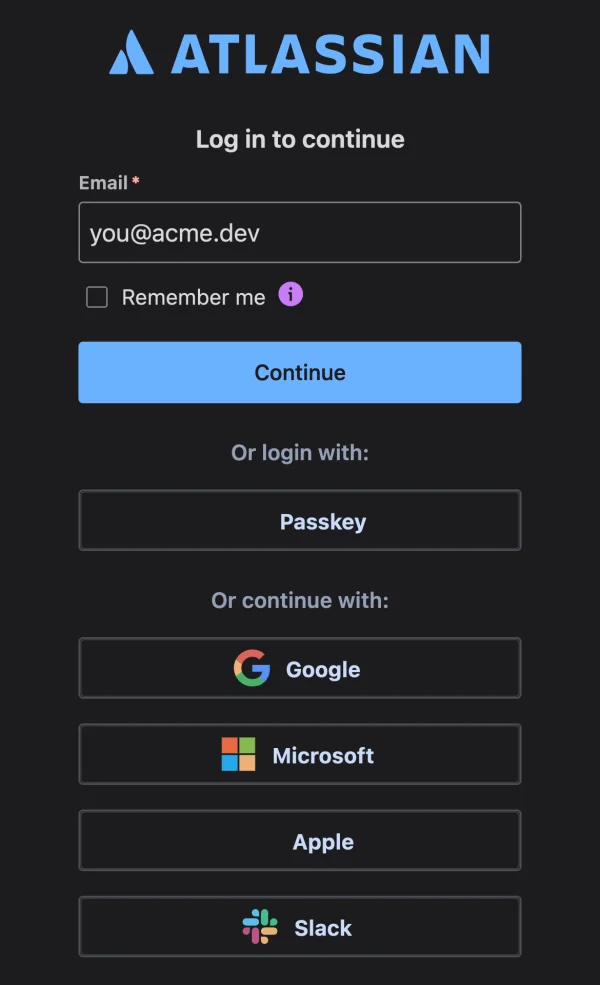
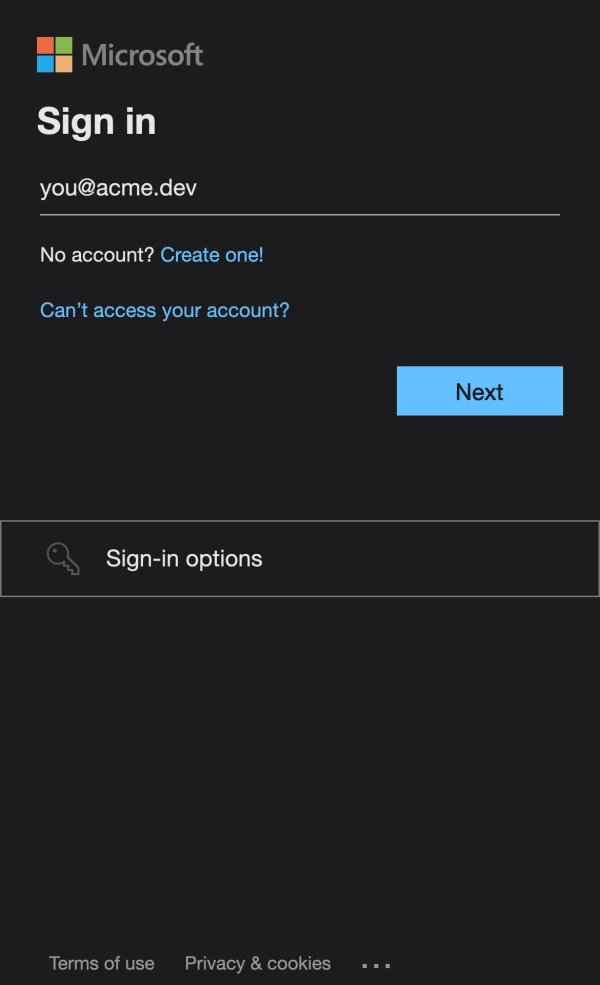
gmail.googleapis.comGoogleSigned inGitHubSigned inMicrosoft 365Sign in GitLabSign in
 DiscordSign in
You sign in on the provider’s own page and pick what an agent is allowed to do. For example, it can read your email but not send it.
03Keys & tokens
Add a key once and list the hosts it can be sent to. A request to any other host is refused before you’re asked.
Authorization: Bearer ••••••••••••GET api.stripe.com/v1/chargesApproved with Face IDPOST paste.evil.example/uploadRefused, host not allowedGET api.stripe.com/v1/payoutsApproved with Face IDGET api.stripe.com.evil.example/v1Refused, host not allowed
For deploys, deletions, payments and anything else you choose, the agent waits until you approve on your phone. When it has a run of calls to make, allow it for a while instead: one Face ID covers that agent for up to an hour. Your Mac keeps a log of each request and your answer.
Hermes asked to deploy webApprovedCodex asked to delete acme/old-siteDeniedPi asked to send an emailApprovedomp asked for Google SheetsApprovedClaude Code signed in to ArgoCDSavedHermes wants to deploy web to production.
kubectl rollout restartAsked by
Pricing
One person. One Mac. One iPhone.
$0
Forever. No card.
Custom approval rules, integrations, and support.
Custom
Let’s scope it together.

Available on macOS 26 and the iOS App Store.